Worked planning method
Convert load into an energy question
Use measured or conservatively planned inputs. Keep server energy and cooling overhead visible as separate assumptions.
- 1.0 kW Illustrative average while the workload is active
- 8,760 hours One continuous year before utilisation is applied
- 35% Illustrative loaded utilisation, not availability
- 3,066 kWh Before cooling, UPS and facility losses
Multiply the result by the organisation’s current contract rate, then add a measured facility overhead. Replace every illustrative input before approval.
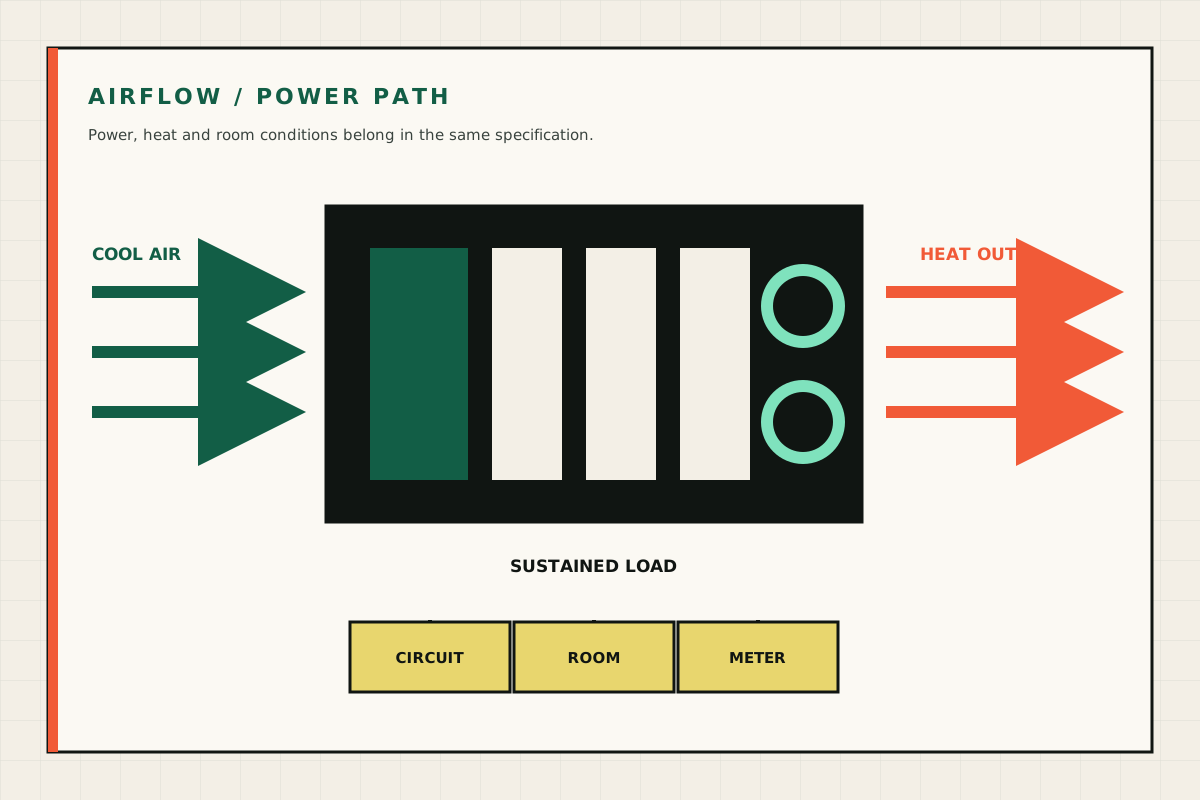
A dense GPU server turns electrical energy into useful compute and heat. The room, circuit and operating process are part of the system. Confirm them before procurement, not when the pallet arrives.
Power is a measured range
GPU thermal design power is not whole-system wall power. CPUs, memory, storage, fans and power-supply losses also contribute. Actual draw varies with model, utilisation, power limits and workload.
Use a planning load for the site check, then measure the final build at idle and during the accepted workload. The proposed Opace reference range currently uses roughly 1.0kW to 3.3kW planning loads, subject to exact configuration.
Convert kW into energy
Annual server energy is:
loaded kW × hours per day × days per year × utilisation adjustment
Cooling, UPS and facility losses can be represented by a PUE or simple overhead factor. A 1.5kW server drawing that average for eight hours each working day is very different from a 3.3kW platform operating continuously.
Use the electricity calculator with the organisation’s contract rate. The public model’s 24.14p/kWh input is dated and editable; it is not a universal tariff.
Circuit and connector checks
A qualified person should confirm:
- available voltage, current and circuit capacity;
- dedicated-circuit requirement;
- plug, socket and power-distribution unit;
- redundant power-feed design where relevant;
- cable route and safe isolation;
- UPS capacity and expected runtime;
- controlled shutdown behaviour.
Do not select electrical equipment solely from a website specification. Final component draw, transient behaviour and local installation conditions matter.
Cooling is not just room temperature
The room must remove the heat the server releases. Front-to-rear rack airflow needs a clear intake and exhaust path. Recirculating hot exhaust can raise GPU and component temperature even when a wall thermostat looks acceptable.
Record intake temperature under load, component temperatures, fan speed and any throttling. Keep vents, filters and rack doors in the maintenance plan.
Where air conditioning is required, include its energy and maintenance in total cost. A small office split unit may not be designed for a concentrated continuous IT load.
Noise can rule out the location
High-density 4U servers move a lot of air. Under load, their fan profile may be unsuitable for a normal shared office. Acoustic cupboards need engineered airflow and fire/electrical review; putting a hot machine in a sealed cabinet is not a solution.
Use a server room, plant space or colocation when human comfort and sustained cooling cannot both be achieved.
Rack and delivery
Confirm rack unit capacity, rail compatibility, usable depth, weight limit, access to the rear and service clearance. Measure doors, corridors, lifts and loading access.
The initial Opace proposition is source configuration followed by customer collection or insured pallet delivery and remote onboarding. Rack installation, electrical work and HVAC are separate unless explicitly quoted.
Monitoring after handover
Track:
- wall power or PDU power where available;
- GPU power, utilisation and temperature;
- CPU and system temperatures;
- fan and power-supply state;
- filesystem capacity and health;
- room intake temperature;
- hardware errors and unexpected throttling.
Set thresholds that somebody owns. A dashboard without an escalation route is decoration.
Site pre-flight checklist
Do not release procurement until the customer confirms:
- physical location and access;
- rack space, depth and rails;
- electrical capacity and connection;
- cooling and exhaust path;
- noise acceptance;
- network, VLAN, DNS and remote management;
- UPS and shutdown policy;
- delivery route and lifting plan;
- insurance and asset ownership;
- named technical and facilities contacts.
If any material item remains unresolved, redesign the location or choose a different delivery model.
Technical context
See the physical and operating boundary
Use these views to connect the guide to the machine, its airflow and its operating environment. Captions state the limits of what each image shows.


Release gate
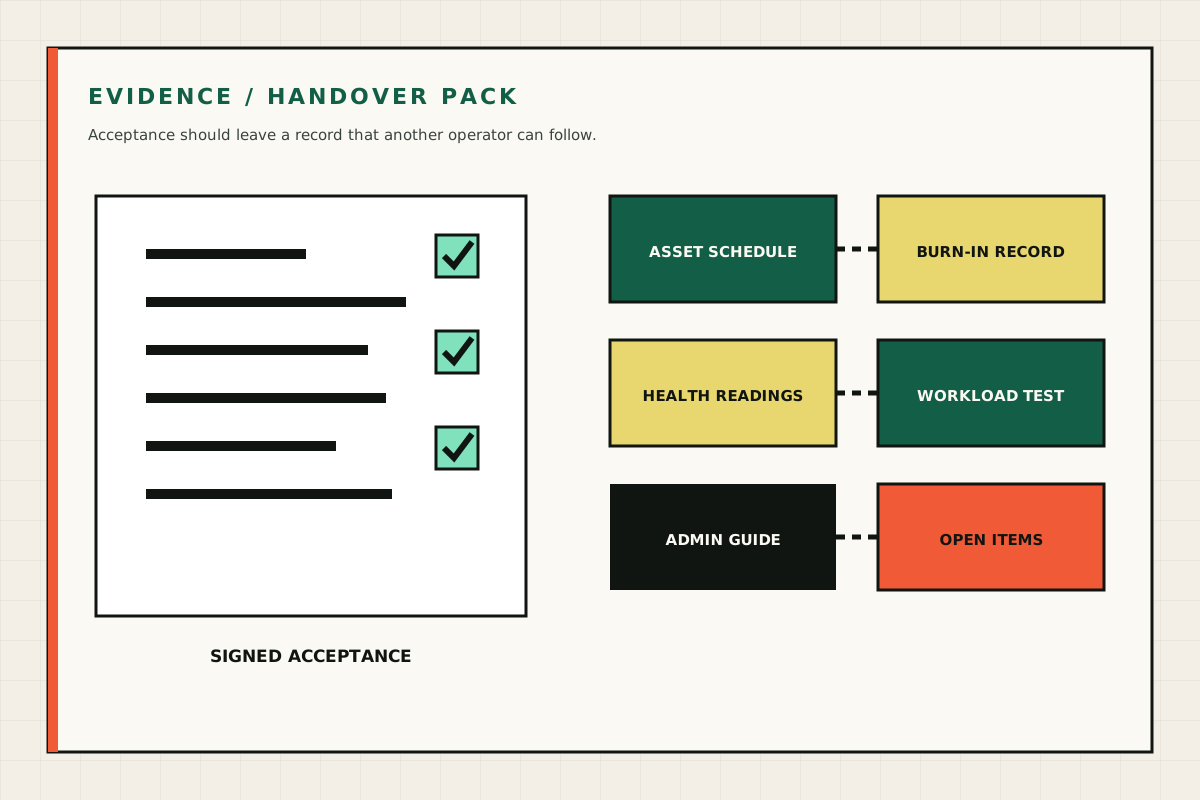
Do not book delivery until the site is signed off
A practical pre-flight joins facilities, IT and the supplier around one written record.
- Space and route Rack dimensions, weight, doors, lift and service clearance
- Qualified check Capacity, connection, isolation, UPS and shutdown
- Heat rejection Intake, exhaust, cooling duty and noise acceptance
- Named contacts Facilities, network, monitoring and escalation
Any unresolved item changes the design, location or delivery model. A website specification is not a site approval.
Primary sources
Sources are checked at the review date. Platform terms, prices and public guidance can change; verify them at the point of decision.